Form 26QB is used for payment of Tax Deducted at Source (TDS) on the purchase of immovable property. As per Section 194IA of the Income Tax Act, the buyer is required to deduct TDS at 1% on the sale consideration if it exceeds Rs. 50 lakh. This guide will help you understand how to download, fill, and submit Form 26QB correctly.
What is Form 26QB?
Form 26QB is an online form used for payment of TDS on the purchase of immovable property (other than agricultural land). It must be filed by the buyer within 30 days from the end of the month in which the property is purchased or the payment is made, whichever is earlier.
When is Form 26QB Required?
Form 26QB is required when:
You are purchasing immovable property (residential or commercial)
The sale consideration exceeds Rs. 50 lakh
You are making payment to the seller (full or part payment)
The property is located in India (other than agricultural land)
Note: TDS is applicable even if the payment is made in installments, as long as the total consideration exceeds Rs. 50 lakh.
TDS Rate and Calculation
TDS is deducted at 1% of the sale consideration. However, if the seller does not have a PAN, TDS is deducted at 20%.
Example: If the property is purchased for Rs. 60 lakh, TDS = Rs. 60,00,000 × 1% = Rs. 60,000
Step-by-Step Guide to Download and Fill Form 26QB
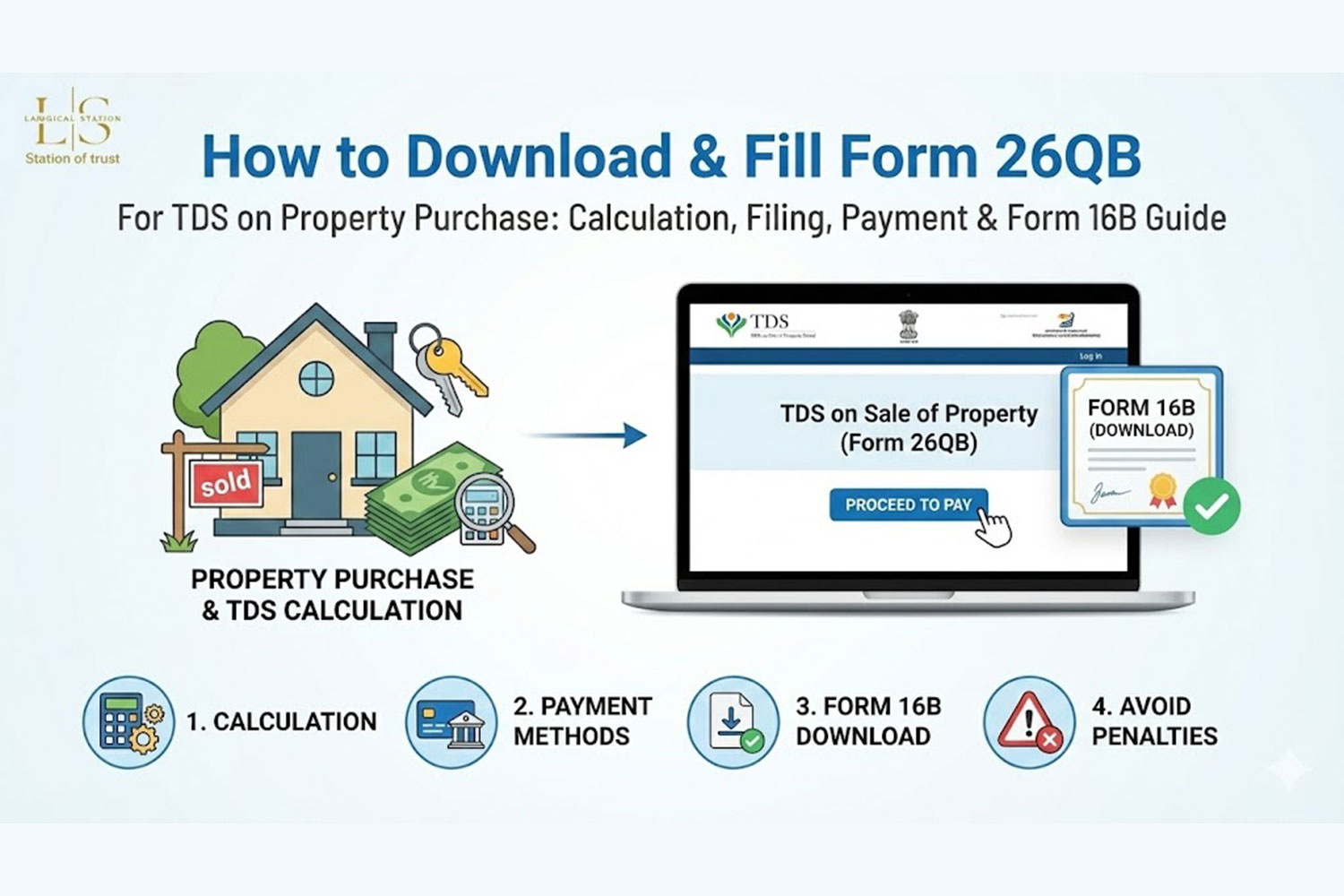
Step 1: Login to TRACES Portal
Visit www.tdscpc.gov.in (TRACES - TDS Reconciliation Analysis and Correction Enabling System) and log in using your credentials. If you don't have an account, register as a "Taxpayer" using your PAN.
Step 2: Navigate to Form 26QB
After logging in, go to "Statements/Payments" > "Form 26QB" > "Prepare Online Form 26QB".
Step 3: Fill Buyer Details (Part A)
Enter the following details of the buyer:
PAN of the buyer
Name of the buyer (as per PAN)
Address of the buyer
Email ID and mobile number
Buyer type (Individual, HUF, Company, etc.)
Step 4: Fill Seller Details (Part B)
Enter the following details of the seller:
PAN of the seller (mandatory)
Name of the seller (as per PAN)
Address of the seller
Email ID and mobile number
Seller type (Individual, HUF, Company, etc.)
Important: If the seller does not have a PAN, TDS will be deducted at 20% instead of 1%.
Step 5: Fill Property Details (Part C)
Enter property-related information:
Complete address of the property
Pin code
State and district
Type of property (Residential/Commercial)
Date of agreement/booking
Date of possession/registration
Step 6: Enter Payment Details (Part D)
Provide payment information:
Total sale consideration
Amount paid/credited (if part payment)
Date of payment
TDS amount (auto-calculated at 1%)
Interest, if any (for late payment)
Total amount payable
Step 7: Select Payment Method
Choose your payment method:
Net banking
Debit card
Credit card
NEFT/RTGS
Over the counter (challan)
Step 8: Make Payment
Complete the payment online. After successful payment, you will receive a confirmation and Form 16B (TDS certificate) will be generated.
Step 9: Download Form 16B
After payment, download Form 16B (TDS certificate) from the TRACES portal. This certificate should be provided to the seller as proof of TDS deduction.
Important Points to Remember
Form 26QB must be filed within 30 days from the end of the month in which payment is made
TDS is deducted at 1% if seller has PAN, and 20% if seller does not have PAN
The buyer is responsible for deducting and depositing TDS, not the seller
Form 16B (TDS certificate) must be issued to the seller within 15 days of filing Form 26QB
Late filing attracts interest and penalty
TDS is applicable on the entire sale consideration, not just the amount paid
Penalties for Non-Compliance
Interest @ 1% per month for delay in deduction
Interest @ 1.5% per month for delay in payment
Penalty for non-filing or late filing of Form 26QB
Disallowance of expenses in case of non-deduction of TDS
Common Mistakes to Avoid
Filing Form 26QB after the due date
Incorrect PAN of buyer or seller
Wrong property address or details
Not issuing Form 16B to the seller
Calculating TDS on partial payment instead of total consideration
Missing interest calculation for late payment
How to Download Form 16B
After filing Form 26QB and making payment:
Login to TRACES portal
Go to "Downloads" > "Form 16B"
Select the financial year and enter the acknowledgment number
Download and verify the certificate
Provide a copy to the seller